Learning CenterCollecting1 min read
What you see
Show Mature, Show Flashing and Flip through pieces on cards. On testnet they stay off until you turn them on in What you see.
KURV teamAlso in Español, Português (BR)
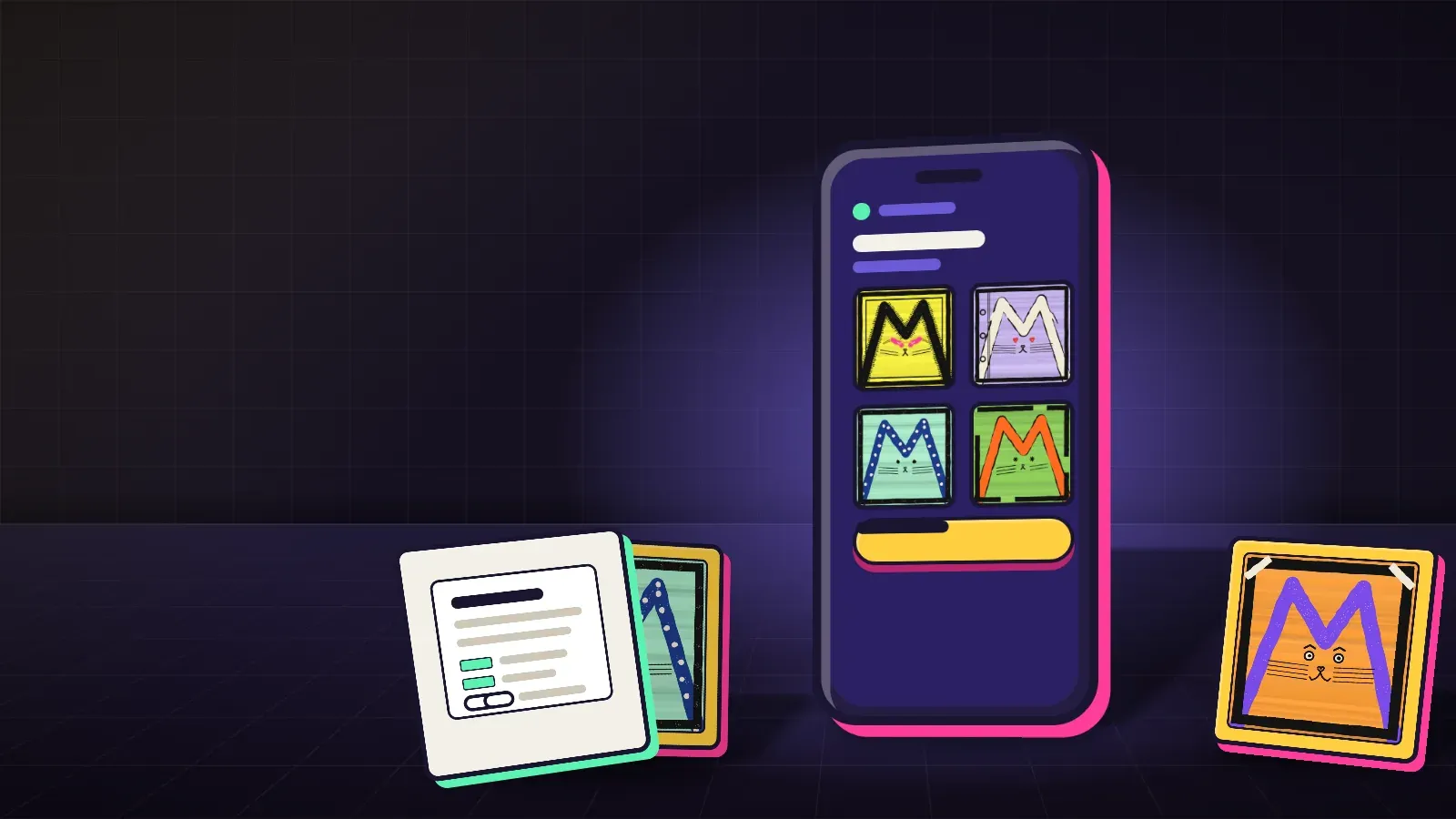
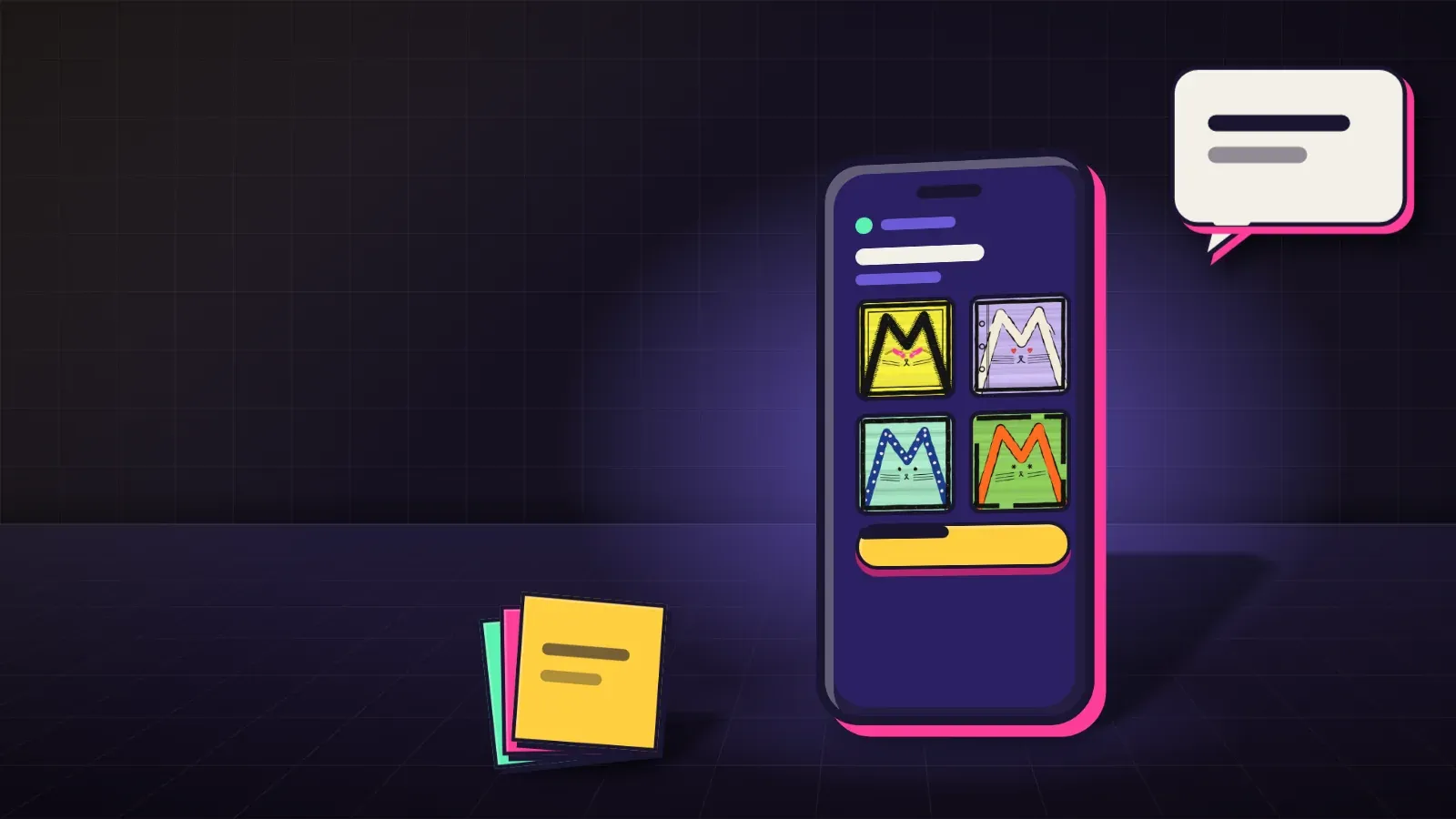
Some work is marked, and cards can move. On testnet, at testnet.kurv.fun, where coins are free and nothing has value, you choose what the shelves show. The controls live under What you see.
Show Mature and Show Flashing
Show Mature and Show Flashing stay off unless you turn them on.
- Show Mature is for nudity, violence or other work for adults.
- Show Flashing is for fast flashing light that can affect people with photosensitive epilepsy.
Until you turn a switch on, work marked that way stays hidden. A piece that is marked still warns you the first time you open it, and it tells you the switch that skips that step.
Flip through pieces on cards
Cards stay still by default. Turn on Flip through pieces on cards and a card rotates through the collection’s pieces. Off, a card shows one picture. A device set to reduce motion always shows one picture.
Next: Staying safe: scams, fake links and signing · How to mint an NFT on KURV