Launching3 min read
Metadata explained
Metadata is the name, traits and image link behind every piece. How KURV writes it, how to write metadata.json, and the errors to avoid.
KURV teamAlso in Español, Português (Brasil)

On this page14 sections
Every NFT has two parts: the image people see, and the metadata that describes it. Metadata is what makes trait filters, rarity and piece names work. Here’s what’s in it and how to get it right on KURV.
What metadata contains
For each piece, metadata usually includes:
- Name: like “Sleepy Frog #12”.
- Description: a short line about the collection or piece.
- Image: a link to the image file.
- Attributes (traits): pairs like “Hat: Blue Beanie” or “Background: Sunset”.
Where it comes from on KURV
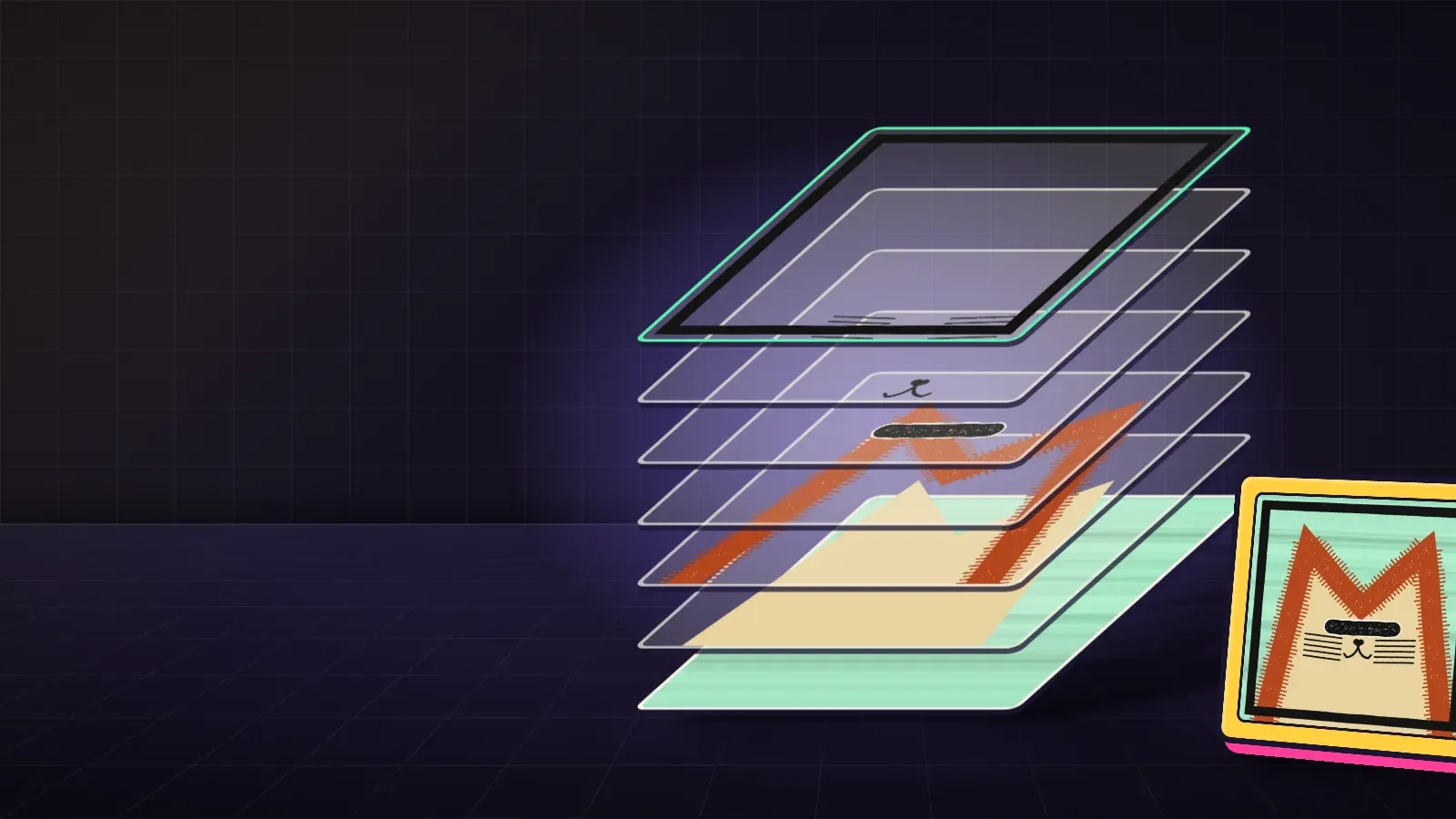
- Layers: KURV builds the metadata for you. Each layer becomes a trait type and each trait name becomes its value. That’s why clear trait names matter.
- Finished art: you provide a metadata.json with an entry for each piece.
- Bring a collection: the metadata already exists and was published with the original collection.
Writing metadata.json for finished art
A simple entry looks like this:
{
  "name": "Sleepy Frog #12",
  "description": "Cozy frogs in tiny hats.",
  "attributes": [
    { "trait_type": "Hat", "value": "Blue Beanie" },
    { "trait_type": "Background", "value": "Sunset" }
  ]
}
Steps:
- Make one entry per image.
- Use the same trait types everywhere (“Hat”, never “hat” in one and “Hats” in another).
- Use the same spelling for the same value.
- Check that the number of entries matches the number of images.
- Build in Studio and look at how the traits display.
Why consistency matters
Trait filters group pieces by exact text. “Blue Beanie” and “blue beanie” become two different traits. That splits the counts, makes rarity look strange and confuses collectors searching for a trait.
A worked example
Ana’s finished-art collection had a hat trait. Halfway through writing metadata she started typing “Beanie (blue)” instead of “Blue Beanie”. In Studio the filter showed two separate traits, each with half the pieces. She did a find-and-replace, rebuilt, and the filter showed one trait.
Metadata and publishing
When you publish on KURV, your art and metadata go to IPFS with a fingerprint of the build. Freeze makes the link to your files permanent, not the files themselves. In practice, that means getting metadata right before publishing.
What metadata can’t do
- It can’t prove a collection is the original. Only its contract and official page can.
- It doesn’t set a price.
- It doesn’t hold the image itself, only a link to it.
The description field
The description is often an afterthought, but it’s what shows up when a piece is shared or viewed on its own. Keep it short and true: what the collection is and who made it. One line about the idea is enough. Avoid anything that sounds like a promise about the future or price, and avoid claims you can’t back up.
Trait types worth having
Good traits answer questions collectors actually ask. “Which ones have the crown?” is a good question; “which ones have pixel 412 lit?” isn’t. For a layered collection, every layer usually becomes a trait type automatically. For finished art, choose a handful of meaningful ones:
- Visible features: hat, background, expression.
- Story features: a character’s name or role, if your collection has a story.
- Set features: a series or chapter, if pieces were made in groups.
Skip traits that every piece shares; they add clutter without telling anyone anything.
Checking metadata, step by step
- Open the build in Studio.
- Pick ten random pieces and read their traits out loud.
- Open the trait filters and check each list for duplicates that differ only in spelling or capitals.
- Compare the count of pieces per trait with what you intended.
A second worked example: a trait typo
A creator’s metadata has “Backround” on one piece and “Background” on the rest. Marketplaces treat those as two different trait types, so that one piece shows a trait nobody else has, and its background doesn’t appear in the background filter. The fix is boring and important: spell every trait type and value exactly the same across every file before publishing, because metadata is fixed once a collection launches.
Common mistakes
- Inconsistent capitalization or spelling.
- Missing entries, so some pieces have no traits.
- Trait names that only make sense to you, like “v2”.
- Too many traits that nobody will filter by.
- Mismatched counts between images and entries.
FAQ
Do I have to write metadata for a layered collection? No. KURV builds it from your layers and trait names.
Can collectors see metadata? Yes, it’s public. Traits show on each piece.
Can I edit metadata after publishing? Treat it as final. Freeze makes the link permanent.
Does metadata affect rarity? Rarity is counted from traits, so yes.