Learning CenterMusic, video, 3D and code1 min read
Covers and metadata for media pieces
Every song, video, model and code piece needs a cover. How numbering, animation_url and the 20 MB cover limit work on testnet.
KURV teamUpdated Also in Español, Português (BR)
On this page4 sections
A media piece is two files that share a number: the cover people see, and the song, film, model or page that opens on a press. KURV runs on testnet. Coins are free and nothing has value.
The cover is required
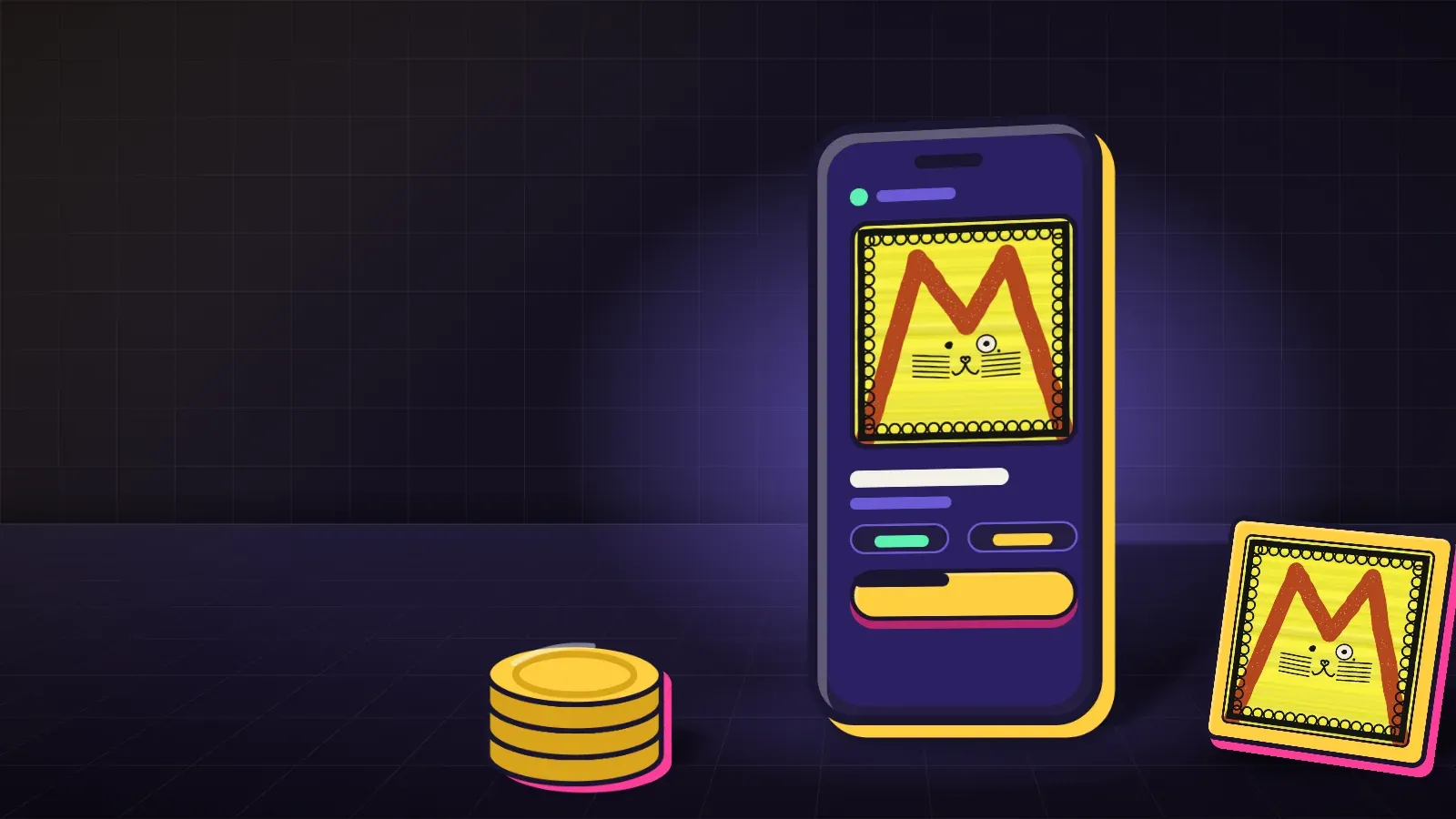
Every piece needs a cover in art/, numbered from 1 with nothing skipped. Covers are PNG, GIF, WebP or JPG, one format for the whole folder, up to 20 MB each. KURV publishes the file as it is. An animated GIF or WebP stays animated.
A piece can have a cover and no extra file. An extra file cannot stand without its cover. Wallets and other marketplaces may show only the cover, so the picture has to carry the piece on its own.
The cover limit is separate from the media limit. A 50 MB song or a 200 MB video does not spend the cover’s 20 MB.
What KURV writes
You bring metadata.json with a name for each piece, and traits if you have them. Leave out a trait a piece does not have. KURV writes the image link when the collection is published, because only then does the art have an address.
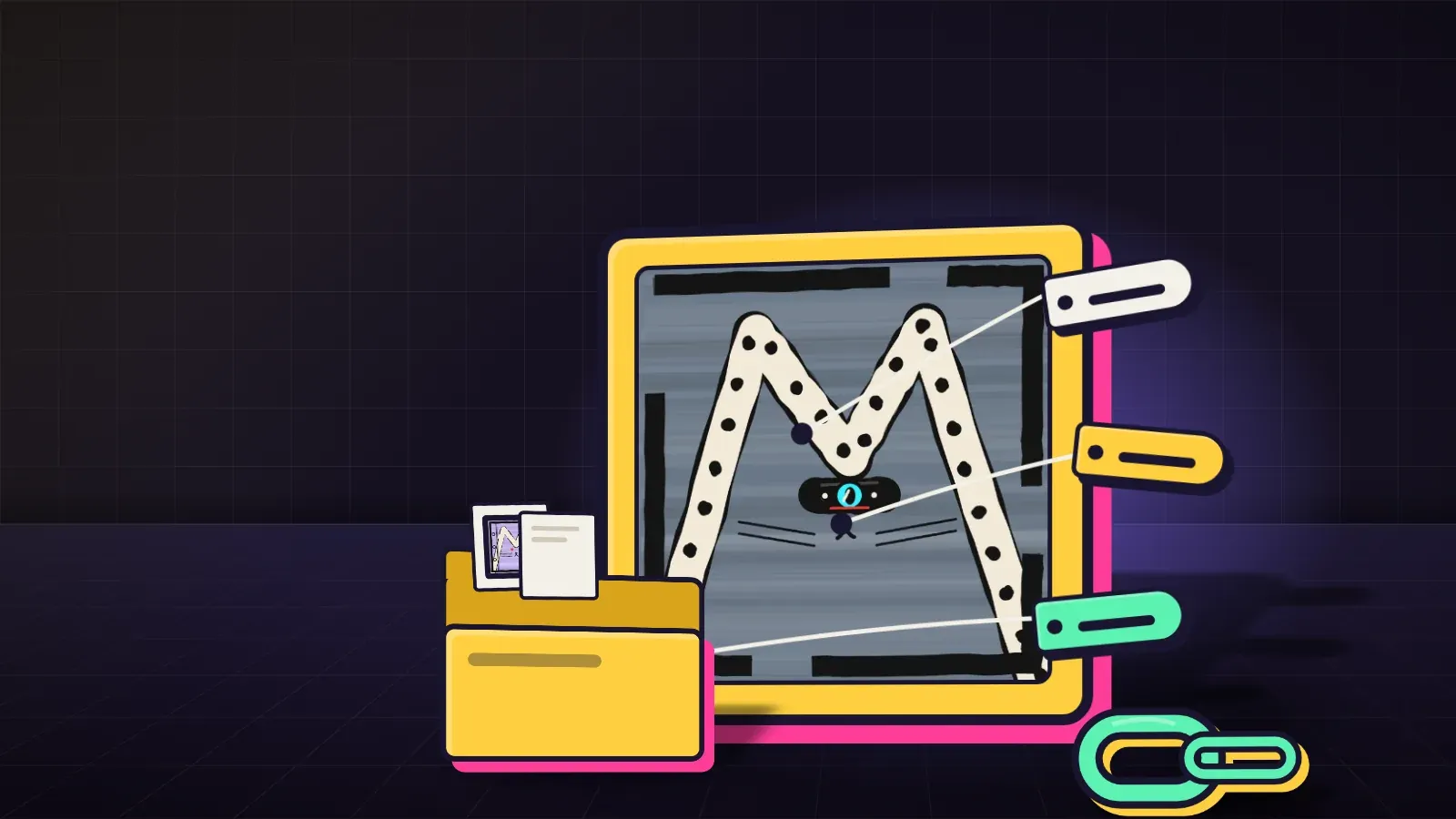
animation_url is the extra file. KURV writes it at publish. If you put animation_url in the file yourself, KURV keeps it only when it is an ipfs:// link. A link to any other server is refused, so KURV can keep the file playing.
On Solana, the piece’s category follows the file: audio, video, vr for a model, or html for code art.
A short example
{
  "name": "Track 1",
  "description": "The first song.",
  "attributes": []
}
Do not point image at a server of your own. KURV fills that in. Do not mix .png and .gif covers in one folder.