Collecting4 min read
A collector's checklist before you mint
A short, practical checklist for minting on KURV: official page, creator, sale method, phase, coin, Vault numbers, license and budget, with a worked example of running it in a couple of minutes.
KURV teamAlso in Español, Português (Brasil)
On this page17 sections
A couple of minutes of checking saves a lot of regret. Whether you’re minting your first piece or your fiftieth, run this list before you tap Mint on KURV.
1. Official page
Mint from the collection’s page on testnet.kurv.fun, typed in yourself or from a bookmark, not a link from a DM or reply. Copycat collections can have the same name and art. Coin or piece: why the address matters explains why.
2. Creator
Who made it? Look at their other work, their sketches and how they talk to people. A creator with a history of posts and process is easier to trust than an account that appeared yesterday with famous-looking art.
3. Sale method
Fixed price, mystery mint or rising price? With mystery, the art is sealed until the reveal. With rising price, each piece costs a bit more than the last. Know which you’re getting.
4. Phase
Which phase is open? If it’s an allowlist phase, the mint page tells you whether you can mint, and why not if you can’t. Check the per-wallet limit.
5. Price coin
Each collection is priced in one coin, USDC by default or another coin on Base (on Solana: SOL, or another Solana coin). Make sure you have that coin and understand what the price means in it. The mint page shows what you pay before you mint.
6. Vault numbers
Every collection launched on KURV has its own Vault. Look at the numbers: Market Floor, Vault Backing, Vault Exit, Vault Inventory. A Vault can hold $0. Neither the Market Floor nor Vault Exit is a promise; they move independently. The Vault, explained simply explains each.
7. License
What can you do with the art? The description should say, for example “display and share” or “personal merch”. If it says nothing, assume display only.
8. Your budget
Only spend what you’re fine losing. Prices can go down. “Every price, return and buyer is up to the market.”
A worked example
Leo sees a post about a new frog collection. He doesn’t tap the link. He opens testnet.kurv.fun, finds the collection through Explore, and runs the list:
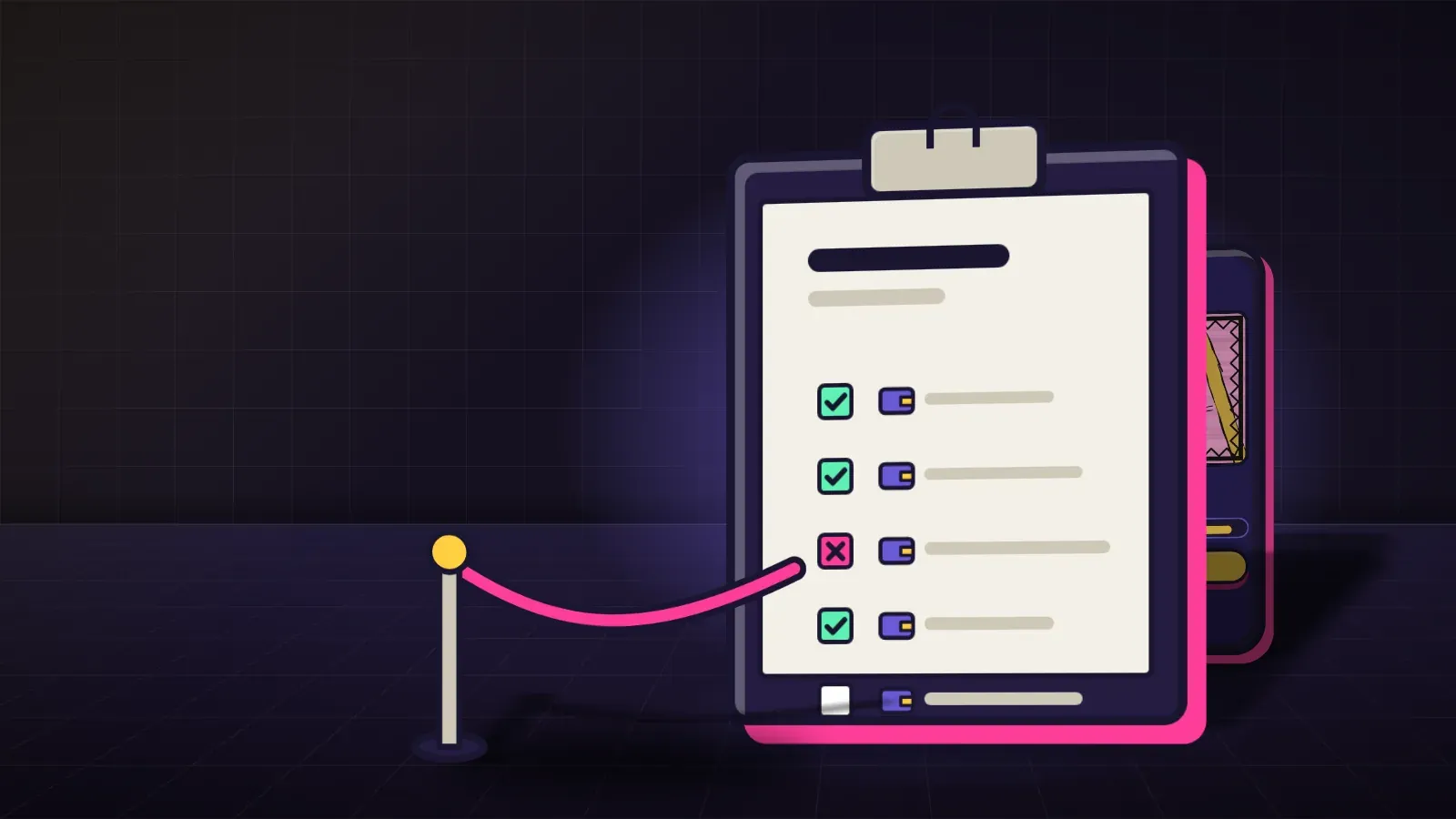
- Official page: found through Explore. ✓
- Creator: has months of frog sketches posted. ✓
- Sale method: fixed price. ✓
- Phase: public, two per wallet. ✓
- Coin: USDC; he has enough. ✓
- Vault: early, small backing; he notes it. ✓
- License: “display, share and personal stickers.” ✓
- Budget: one piece is fine. ✓
He mints one. Total time: about two minutes.
Red flags that mean stop
- A link from a DM or a stranger’s reply.
- Anyone asking for a login code or recovery words.
- “Free claim” pages that ask you to sign something unexpected.
- Promises of returns or rising prices.
- Pressure: “only minutes left!” from someone who isn’t the creator.
Mint safely, step by step
- Log in on testnet.kurv.fun the way you always do.
- Run the checklist.
- Tap Mint and read the confirmation.
- Confirm once.
- Find your piece in your wallet on KURV.
Before a mystery mint, specifically
Mystery mints need one extra check: make sure you’re fine with any piece from the collection, because you can’t choose. Look at the examples the creator has shared and ask yourself whether the least exciting one would still make you happy. If not, wait for the reveal and look at the market instead.
After you mint
The checklist doesn’t end at the button:
- Check your wallet on KURV for the piece.
- Save the collection page as a bookmark, so you always return to the real one.
- Look at the Vault numbers again occasionally if you’re ever thinking of selling.
- Ignore unexpected DMs about your new piece, especially “upgrade” or “claim” offers.
Running it on a phone
The list is the same on a phone. Open testnet.kurv.fun from your bookmarks, find the collection, and scroll through the page: the creator, sale method, phase, coin and Vault numbers are all there. Don’t let a small screen tempt you into skipping steps.
Common mistakes
- Skipping the checklist because a mint is popular.
- Logging in a different way and missing an allowlist.
- Ignoring the coin a collection is priced in.
- Reading Vault Backing as a promise.
- Spending more than planned in the excitement.
FAQ
Do I need an invite code to mint? On testnet today, yes. Minting, trading and launching wait on an invite code. Browsing does not.
Can I undo a mint? No. That’s why the checklist comes first.
What if the Vault holds $0? Then it can’t buy pieces back. It may fill later from royalties, or not.
Where do I report a fake collection? Tell the real creator and KURV, and warn others with the official link.