Launching3 min read
How to put your collection on KURV
From a folder of art to an open mint on KURV: import, the Studio, publishing, the seven-step wizard and one signature, plus what's permanent once you sign.
KURV teamAlso in Español, Português (Brasil)
On this page9 sections
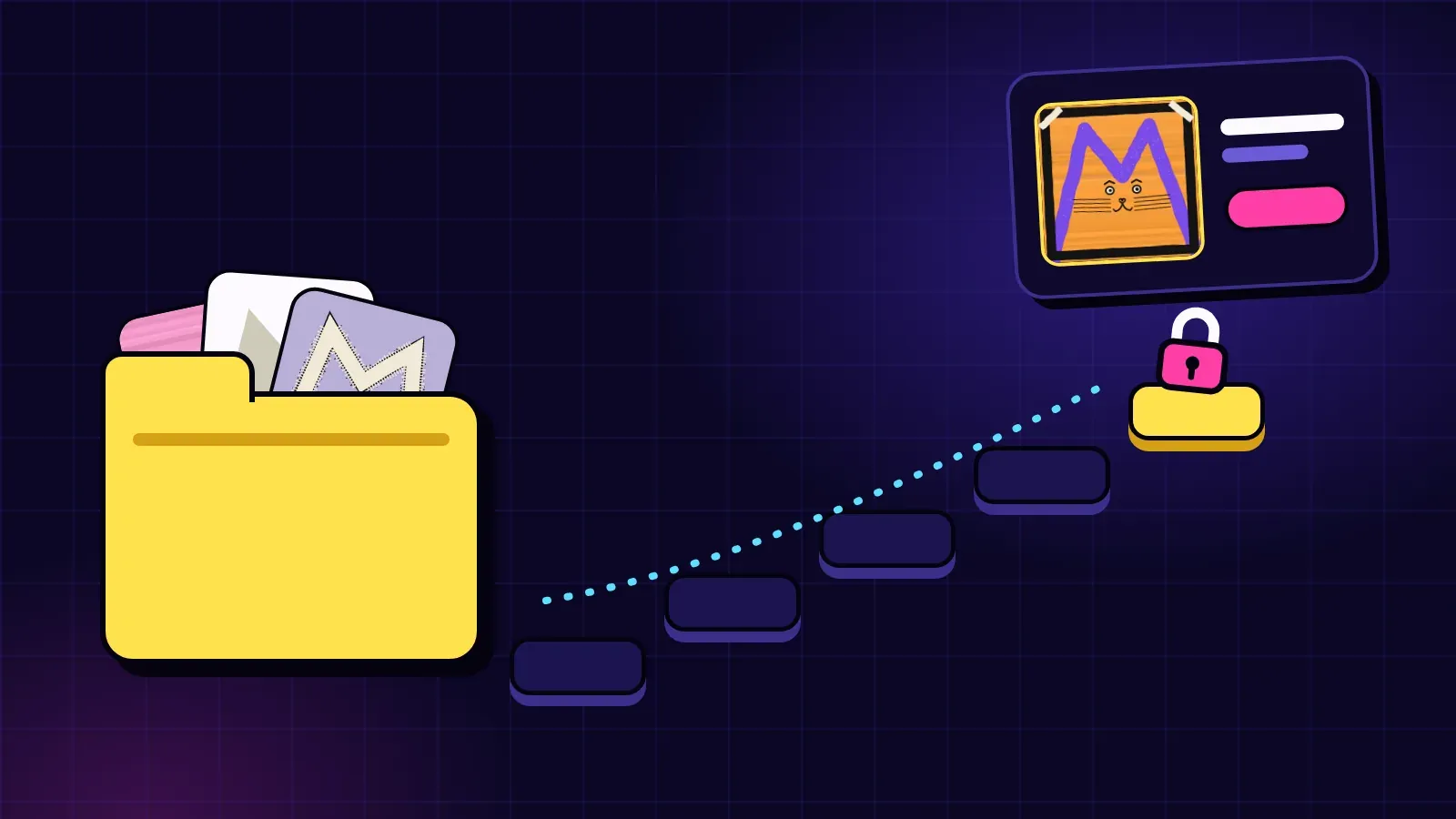
Got art and want people to mint it? Here’s the path on KURV, start to finish. It’s shorter than most people expect, but a few choices are permanent, so it’s worth reading before you sign.
First: you need an invite code
Making a collection on KURV needs an invite code. On testnet today, minting and trading need one too. You can apply at kurv.fun/apply.
Step 1: Bring your art
There are two main ways in:
- Layers. A folder of layers, one folder per part of the picture, and KURV combines them into pieces. The full folder format is in Traits, layers and rarity 101.
- Finished art. You drew every piece yourself. Bring an
artfolder plus ametadata.jsonlisting each piece’s traits.
On a phone, zip the folder and use Pick a ZIP on Create.
Step 2: Shape it in the Studio
If you used layers, the Studio is where you tune the collection: set how common each trait is, write rules, pin hand-made pieces and run the check to make sure the collection you asked for can actually be made. It all runs in your browser, for free, before any money is involved.
Step 3: Publish
Publishing sends your images and labels to IPFS, a public file network, and records a fingerprint of the whole build so anyone can check the files match. There’s a daily limit of 10,000 pieces one wallet can publish in any 24 hours, and the Publish card tells you before you start if a collection doesn’t fit in what you have left today.
Step 4: The seven-step wizard
After publishing, a seven-step wizard walks you through the setup of your sale. This is where you decide things like:
- Supply: how many pieces, carried over from your collection
- Coin: USDC by default, or another coin on Base (on Solana: SOL, or another Solana coin)
- Mint share: how much of each mint goes to you vs. the collection’s Vault
- Royalty: between 5% and 10% on later sales
- Phases: your sale windows, prices and allowlists
Plan your phases before you sign. The sale methods (fixed, mystery or rising) are explained in Fixed, mystery or rising.
Step 5: One signature
When everything looks right, you sign once, and the collection launches. The collection is owned by your KURV wallet.
What’s permanent
Read this part twice. Once you sign, these are fixed for the life of the collection:
- Supply
- Coin
- Mint share
- Royalty
There are also no price changes after the collection launches, so get the phases right. Things like the art reveal on a mystery mint are managed afterward, but the core numbers are locked.
Before you sign, ask yourself
- Is my supply a number I’m happy with forever?
- Do I understand what my mint share does to the Vault? (See How creators earn on KURV.)
- Are my phases and allowlists set up the way I want?
- Did I preview the collection and check a few random pieces?
Quick recap
- Invite code needed to create, and on testnet today to mint and trade too (apply at kurv.fun/apply)
- Import layers or finished art, tune it in the Studio
- Publish to IPFS, up to 10,000 pieces a wallet a day
- Seven-step wizard, then one signature
- Supply, coin, mint share and royalty are fixed for life
Nothing here is financial advice, and there’s no promise any collection sells.
Full detail: Publish your files · Launch your collection


