Getting started3 min read
What is a crypto wallet? (And how KURV makes one for you)
What a crypto wallet is, how KURV makes one for you when you log in (no seed phrase, no app), how fees work, and how to take your things elsewhere.
KURV teamAlso in Español, Português (Brasil)
On this page9 sections
Every NFT lives in a wallet. Here’s what a wallet actually is, how you get one on KURV in about a minute, and how to take your things with you whenever you want.
The short answer
A crypto wallet is your account on a blockchain network. It holds your coins (like USDC) and your pieces (NFTs). It has two important parts:
- An address. A long code starting with
0xon Base. Think of it like an account number. It’s safe to share, since it’s how people send you things. - A key. The secret that controls the address. Whoever has the key can move what’s in the wallet. Never share it with anyone.
Traditional wallets give you a “seed phrase” (a list of 12 to 24 recovery words) and make you keep it safe forever. That’s where a lot of beginners get lost, or get scammed.
How it works on KURV
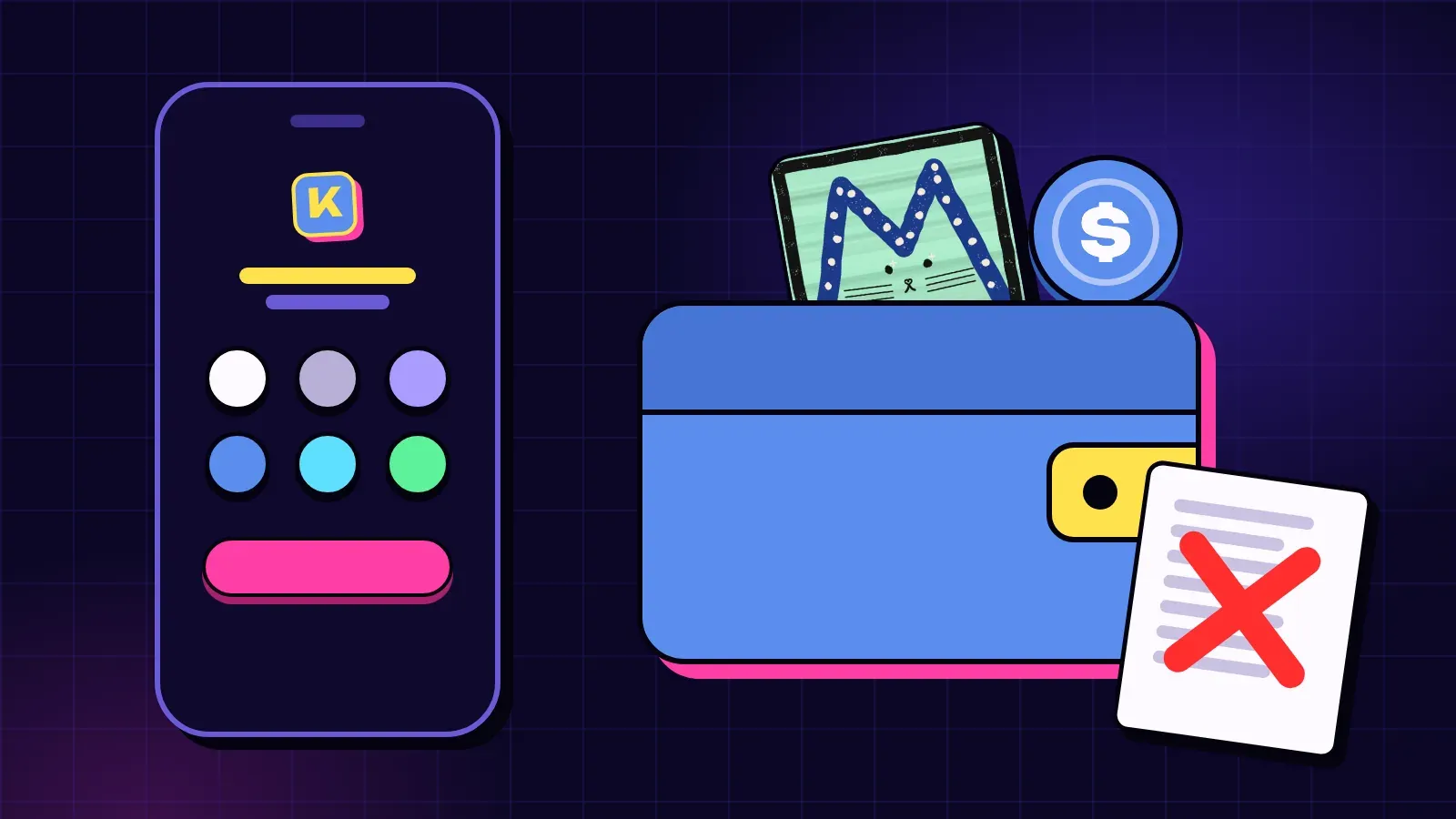
On KURV, you don’t install anything and there’s no seed phrase to write down.
- Tap Log in at the top of testnet.kurv.fun, the KURV app.
- Pick one of six ways in: Google, Apple, email, Base, X or Telegram.
- The first time, KURV makes a wallet for you. You might see “Setting up your wallet” for a few seconds.
- Next time, log in the same way. The same login opens the same wallet.
Coinbase runs the login and keeps the wallet’s key safe. It works on phone and desktop.
Is it really mine?
Yes. Per the KURV docs: “Only you can move what is in your wallet. Neither KURV nor Coinbase can.” This is the wallet your pieces get minted to, and the wallet that owns any collection you launch.
What you see in your wallet
Open the account menu and tap Wallet. You’ll see:
- your full address (with a copy button)
- your balances, read fresh from the chain
- Add cash, where Coinbase offers it (card or Apple Pay). On testnet that button is Get test funds, which adds free test coins with no value. You can also send funds to your address from any wallet or exchange.
- Export private key, Move to another wallet and Log out
Do I need ETH for fees?
No. Every action written to the network (a mint, a sale, launching a collection) costs a small network fee. On testnet, KURV covers it on Base through a Coinbase service called a paymaster, so you don’t need to hold ETH and the mint page says Network fee covered. On Base these fees are usually a few cents, but they move with how busy the network is. On Solana, the network fee is paid in SOL. KURV gets none of it.
On Solana, keep a little spare SOL so you can always cover the fee. If you’re short, KURV tells you how much to add and sends nothing.
Taking your stuff elsewhere
You’re never locked in:
- Export private key: Coinbase runs the export in its own window, so your key never passes through KURV. The same address then opens in another wallet app.
- Move to another wallet: sends every piece and coin KURV can see to an address you choose, one row at a time.
Which network is my wallet on?
KURV runs on testnet today, on Base Sepolia and Solana Devnet, where coins are free and nothing has value. Your KURV wallet is your account on Base, and the same login links a Solana wallet, so the account menu shows both addresses. A piece always stays on the network its collection was put on, so check the collection’s network before you mint. More in Base and Solana basics.
Quick safety habits
- Never share a key, seed phrase or login code.
- Only log in at testnet.kurv.fun, the KURV app. Be wary of look-alike links in DMs.
- Read the amount KURV shows before you sign anything. If a number looks wrong, stop.
Next steps
- Log in and look around: testnet.kurv.fun
- Ready to collect? How to mint an NFT on KURV
- Stay safe: Staying safe: scams, fake links and signing
- Full detail: Log in and your wallet