Learning CenterMusic, video, 3D and code1 min read
Launch code art on KURV
How to launch one HTML or p5.js page for a whole collection on testnet, with kurv.id, a 5 MB cap, and a sealed frame.
KURV teamUpdated Also in Español, Português (BR)
On this page4 sections
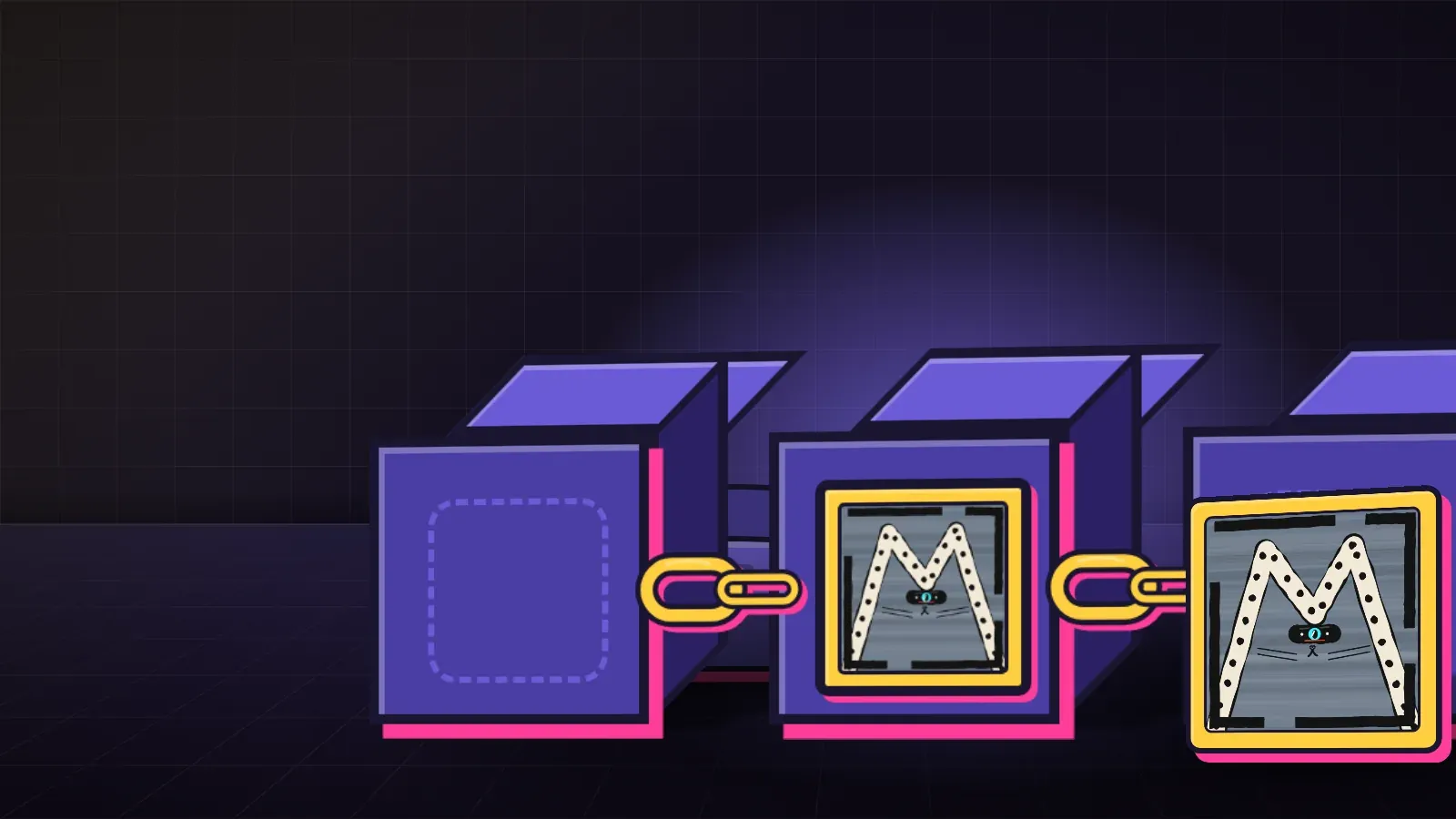
Code art is one page for the whole collection. Each piece still has its own cover and its own number. The page reads that number and draws something different every time, the same way every time. KURV runs on testnet. Coins are free and nothing has value.
Two ways to bring the page
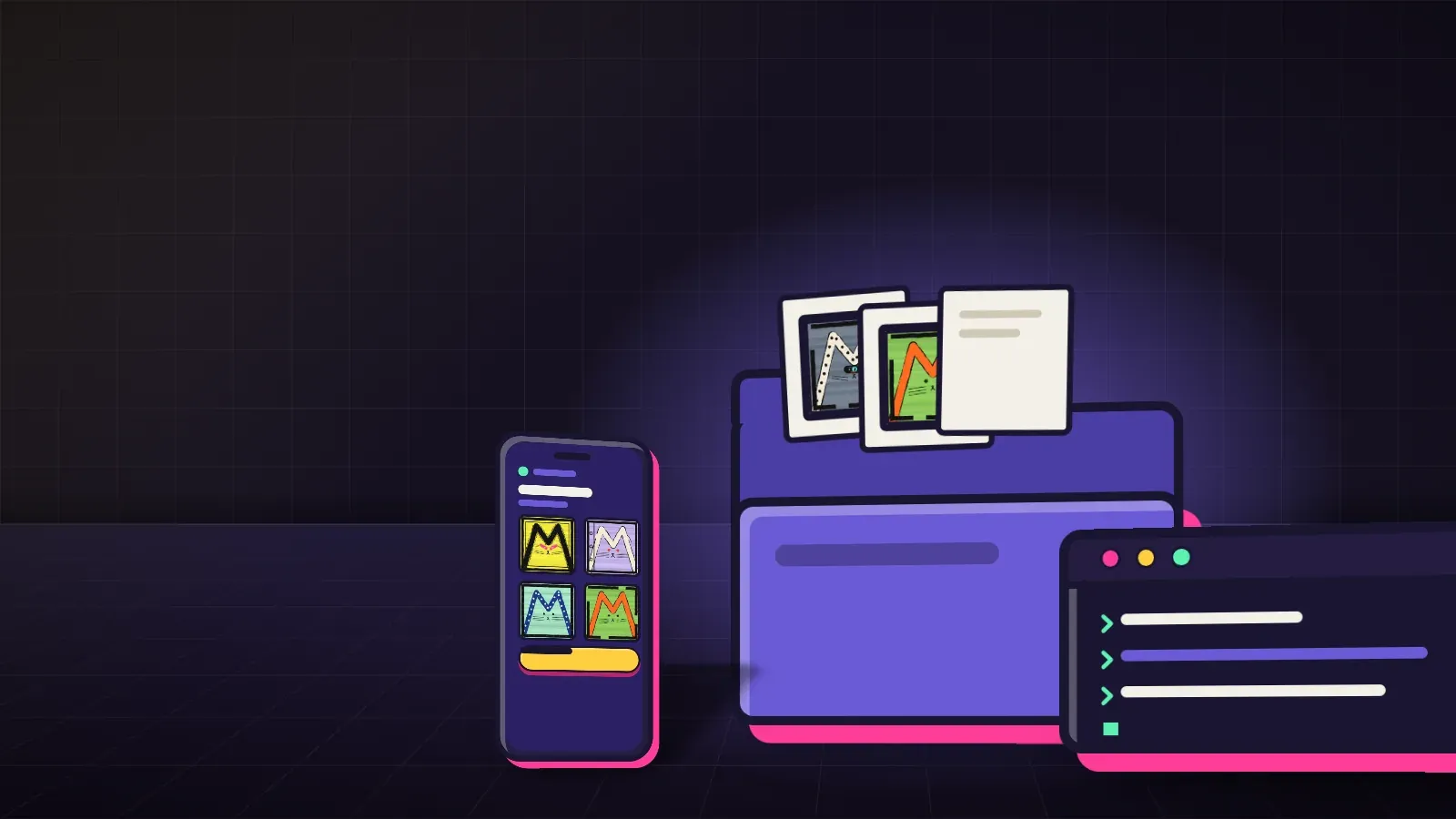
The page lives in code/, up to 5 MB once it is assembled.
Your own page: one index.html with every script written inside it. No outside address.
Or a p5.js sketch:
my-sketches/
  metadata.json
  art/
    1.png
    2.png
  code/
    sketch.js
    p5.min.js
Put p5.min.js beside sketch.js, and any other library as a local .js file. KURV writes them into one page. A page that names an outside address is refused when you pick the folder.
What the page can read
Each piece has a number and a hash. The page reads them as kurv.id, kurv.hash and kurv.random(). Math.random() follows the same seed, so p5’s random() and noise() need no change. Make each cover from the sketch with the same hash, so the picture matches the piece.
The page reaches nothing outside itself: no internet, no other files, no eval, no WebAssembly.
How it runs
Code does not run on KURV’s own site. It opens only after someone presses Run, in the same sealed frame as a 3D model: no cookies, no wallet, no internet, no popups. A piece that stops answering, tries to leave, or runs for three minutes is closed.
A sealed sale cannot carry code art. Publish the page in the open. Before you publish, you confirm you made the code or hold a license to sell it.